
An old hard drive should be handled in two steps. First, eliminate the data through verified sanitization or physical destruction. Second, send the leftover hardware to responsible electronics recycling. Dropping a retired computer at a recycler without addressing the drive skips the part that actually protects you. For most Oregon businesses retiring equipment, physical destruction with documented proof is the cleaner answer, because it produces a record you can hand to an auditor later.
iSecure Inc. provides hard-drive destruction and IT asset disposition from its Grants Pass base, with routes reaching much of Oregon and Northern California.
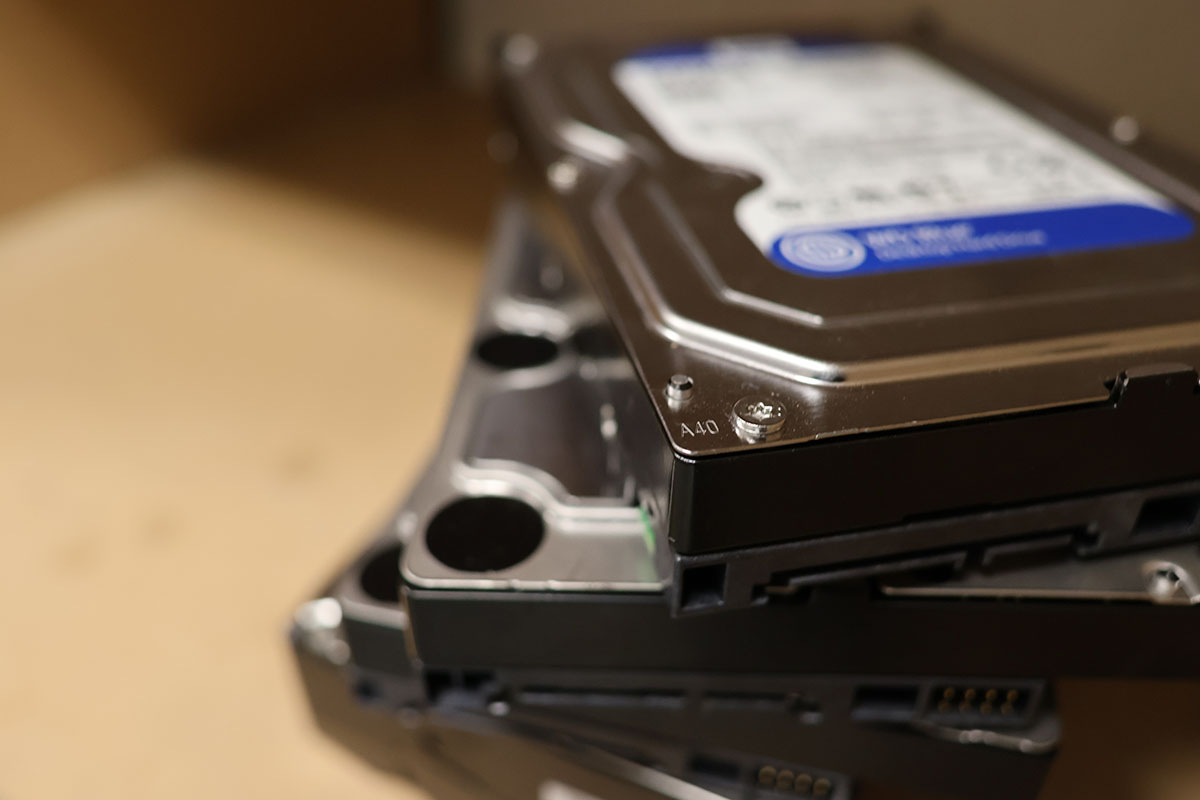
Why Deleting Files Is Not the Same as Destroying Data
What "delete" actually does
Deleting a file and emptying the recycle bin usually removes the pointer to the data rather than the data itself. The bits stay on the platters or in the flash cells until something overwrites them, and widely available recovery software can retrieve much of that leftover material without any lab work.
Quick formats and factory resets
A standard reformat rebuilds the file table without necessarily overwriting the contents of every sector. Factory-reset routines also vary by manufacturer, and the results are not always verifiable from the outside.
Solid-state drives behave differently
SSDs spread writes across memory cells using wear-leveling logic, so an overwrite aimed at a logical address may leave older copies of that data in cells the operating system cannot reach. Overprovisioned space adds another hiding place. Sanitization methods written for spinning disks do not transfer cleanly to flash media.
None of this means your old laptop is a ticking bomb. It means that "I deleted everything" is a claim you cannot prove, and proof is the whole point when the drive held patient records or client financials.
Get Started Today with iSecure Data Security Services!
Sanitization, Physical Destruction, and Recycling Are Three Different Jobs
Data sanitization removes data while leaving the device intact and usable. Recognized methods include cryptographic erase on encrypted media and verified overwrite performed by software that confirms its own work. Published guidance such as NIST Special Publication 800-88 describes several levels of media sanitization, ranging from clearing up through full destruction (Purge, Clear, Destroy).
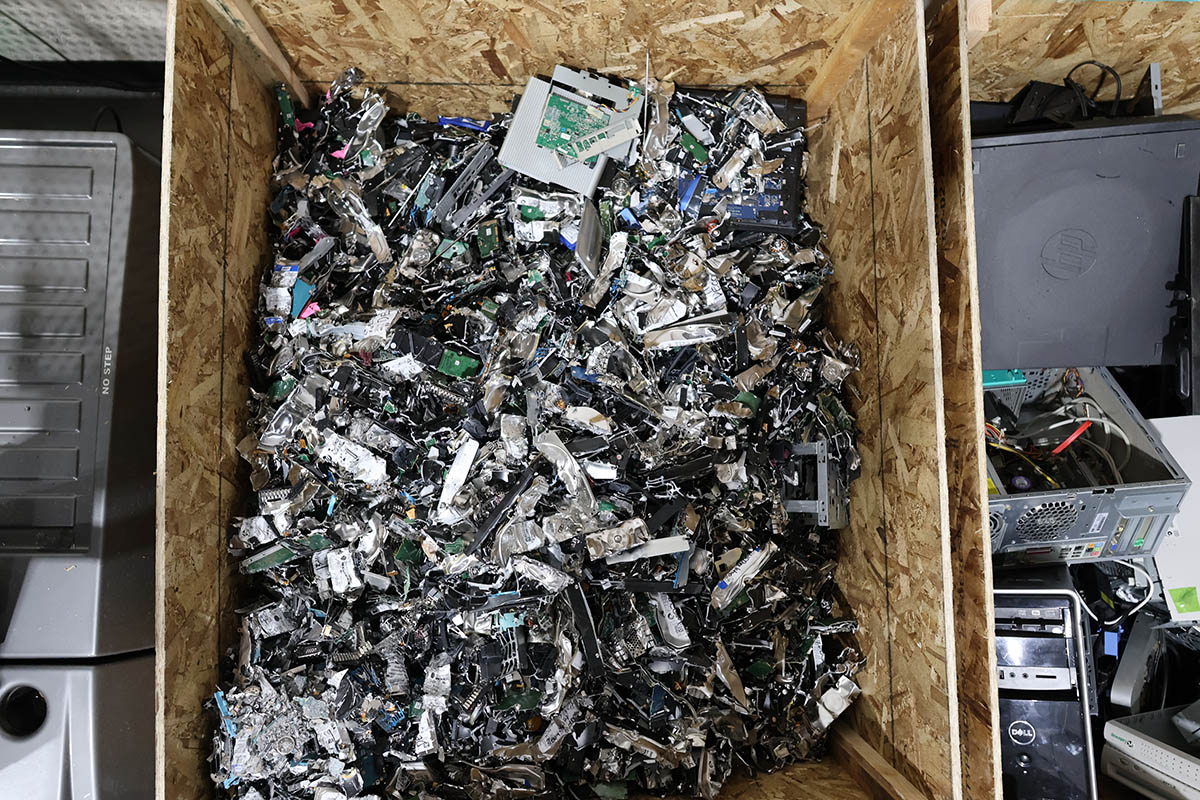
Physical destruction renders the device unusable. Shredding a drive into small particles removes the question of whether a software step worked as intended.
Electronics recycling handles what remains after the data question is settled. It recovers metals and plastics and keeps material out of landfills. Recycling is an environmental process, not a security process, and confusing it with the other two is the most common mistake we see.
When Verified Sanitization Makes Sense
Sanitization is worth considering when the equipment still has useful life and you plan to reuse or redeploy it:
- Laptops rotating from one employee to another inside the same organization
- Machines being donated or resold where residual value justifies the labor
- Encrypted drives where a documented cryptographic erase is available
The condition attached to all of these is verification. Sanitization counts only if the method suits the media type and the result is logged and confirmed. An unverified wipe is a story, not evidence.
When Physical Destruction Is the More Defensible Choice
Physical destruction is usually the better call when:
- The drive is failing, unreadable, or will not respond to a wipe utility
- The equipment is old enough that reuse value is negligible
- Records on the drive covered patients, clients, students, or account holders
- Your retention policy or your insurer expects documented destruction
- You are decommissioning a server room, closing an office, relocating, or clearing a closet full of unlabeled drives
- Nobody on staff can say with confidence what was ever stored on the device
That last point drives more decisions than people expect. When a box of drives has sat in a closet for six years, reconstructing what lived on each one costs more than destroying all of them.
DIY Destruction Compared With Professional Destruction
A word on the do-it-yourself approach: this article will not walk through home methods involving power tools, open flame, chemicals, or taking devices apart. Those carry real injury risk from shattered platters, lithium cells, sharp casings, and airborne debris, and they produce no documentation.
| Factor | DIY Destruction | Professional Destruction |
| Verifiable outcome | Visual guess | Equipment operated to defined particle specifications |
| Documentation | None | Certificate of Destruction plus serial number reporting |
| Safety | Injury risk from platters, batteries, sharp casings, and debris | Handled by trained technicians with proper equipment |
| SSD handling | Frequently ineffective, since chips survive casing damage | Processed to a much finer particle size than HDDs |
| Volume capacity | A drive or two before it becomes impractical | Whole pallets, server racks, or an entire storage room |
| Recycling downstream | You still have to solve disposal | Material moves into a managed recycling stream |
| Audit position | Nothing to show a reviewer | A dated record tied to specific serial numbers |
| Staff time | Hours of awkward labor | A scheduled service visit |
Recycling and Data Destruction Are Separate Responsibilities
Oregon has well-established electronics recycling channels, and using them is the right instinct. Just recognize where the boundary sits. A recycler is accountable for the material stream, while a data-destruction provider is accountable for the information. Some companies handle both, iSecure Inc. is among them, but the two obligations stay distinct and each deserves its own documentation.
If you hand a stack of desktops to a collection event without pulling or destroying the drives, you have solved your e-waste problem and left your data problem untouched. Ask any collection point what happens to the drives specifically, and whether you get anything in writing.
What Oregon Businesses Should Require From a Data-Destruction Provider
Use this as a short vetting checklist:
Which Equipment Holds Data Worth Destroying
Hard drives get the attention, but the list is wider:
- Desktop and laptop computers
- Servers and data center equipment
- Internal HDDs and SSDs, plus external and portable drives
- Networking gear such as routers, switches, firewalls, and access points
- Smartphones and tablets
- Backup tapes and optical media
- Multifunction copiers and printers with internal storage
- USB flash drives and memory cards
- Monitors and peripherals headed for recycling
If a device ever held configuration data, saved credentials, customer information, or licensing keys, put it on the list.
The Vocabulary, in Plain Language
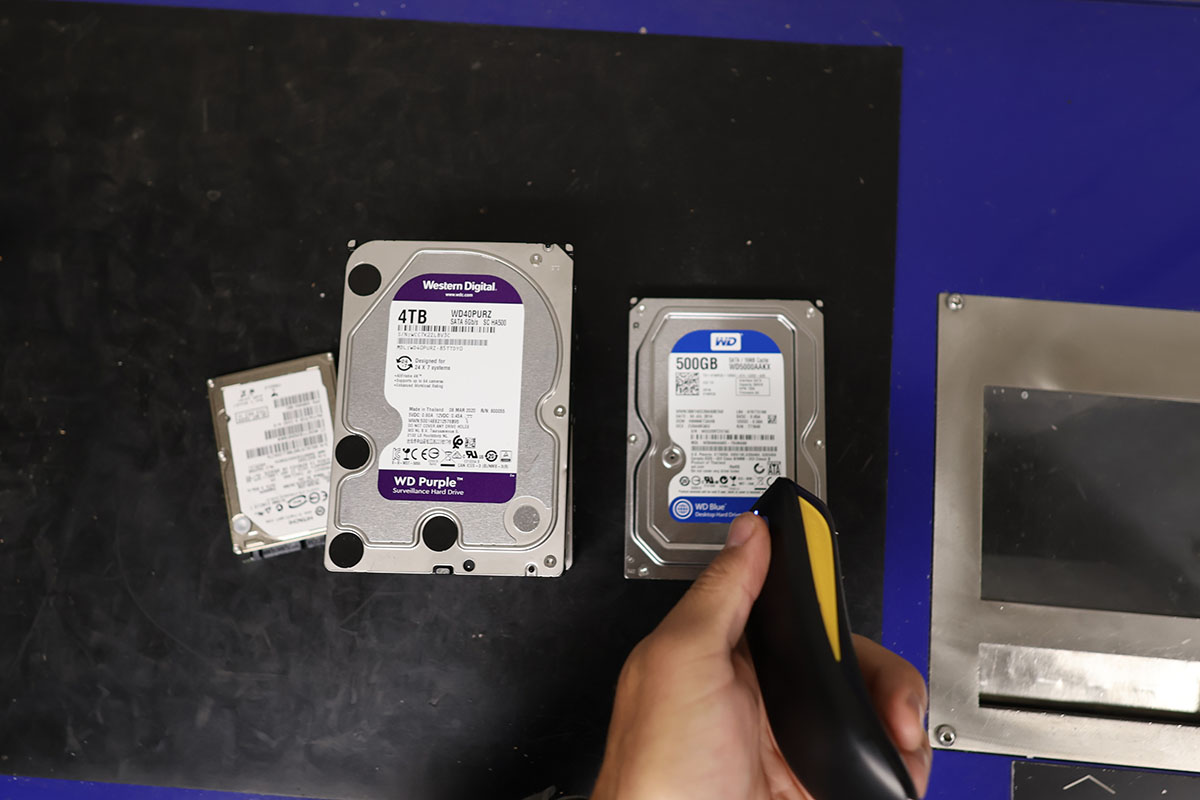
Serial-number inventory is a list of exactly which drives were destroyed, captured by scanning each unit before it enters the shredder. It converts a vague statement about a box of drives into an itemized record.
Chain of custody is the paper trail showing who held the equipment at each stage. Shorter chains are easier to defend.
Witnessed destruction means you or a designated staff member can stand there and watch it happen, closing the gap between handing equipment over and knowing what became of it.
Certificate of Destruction is the dated document confirming the service occurred. Paired with a serial number report, it is what you produce when someone asks you to prove a specific drive is gone.
How iSecure Handles Hard Drive Destruction and ITAD
iSecure offers two service paths, and cost varies by type.
On-site destruction. Our NAID AAA Certified on-site service brings the equipment to your location so you can witness the process yourself. Nothing data-bearing leaves your address intact.
Controlled off-site destruction. For sites where on-site service is not practical, a transfer of custody document is issued at pickup and destruction is completed at our secure facility in Grants Pass.
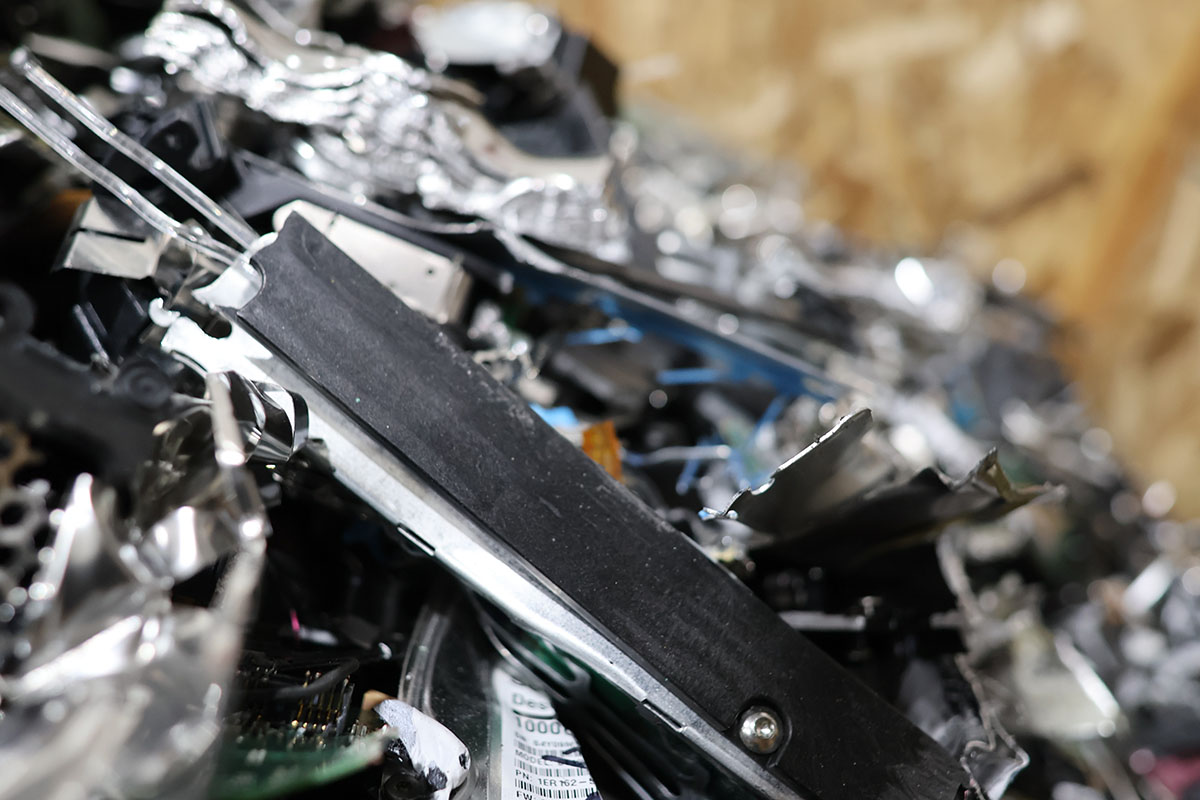
Either way, hard-drive serial numbers are scanned before destruction. Customers receive a Certificate of Destruction with a copy of the serial number report, and reporting can include an ITAD transfer record. Our equipment processes HDD and SSD media to defined particle specifications (20mm for HDDs), with a finer specification applied to solid-state media (6mm).
Service is available as a one-time project, on an on-call basis, or as a routine scheduled program. Jobs of any size are welcome.
What Determines Hard Drive Destruction Cost
We do not publish a flat rate, because these variables move the number:
- How many drives or devices are involved
- Where the service takes place and how far it sits from an existing route
- Whether you choose on-site witnessed destruction or controlled off-site processing
- How much inventory and reporting detail you need
- Whether whole computers require drive removal first
- Access conditions at your site, including stairs, elevators, and loading logistics
- Whether the work is one-time or part of a recurring program
A short conversation about quantity and location produces a real number quickly.
Where iSecure Provides Service
Routes cover Grants Pass, Medford, Roseburg, Eugene, Springfield, Albany, Corvallis, Bend, Redmond, and Klamath Falls, along with coastal communities including Coos Bay, North Bend, Florence, and Newport. Route frequency differs by city, so check the Oregon service area page to confirm current availability at your address.
Frequently Asked Questions
Get a Quote for Your Retired Equipment
Whether it is one drive from a failed laptop or a pallet of decommissioned servers, iSecure can capture the serial numbers, destroy the media, document the outcome, and route the remaining material into responsible recycling.
Call (541) 479-1425 with your device count and location, or

About the Author & iSecure Inc. Chris Isabell writes from iSecure, a certified information security company proudly based in Grants Pass, Oregon, since 2005. iSecure specializes in providing document destruction, hard drive destruction, IT asset disposal, recycling, and records management services to practices throughout Oregon and northern California.